Time tracking for businesses
Worktime.Everyhouraccountedfor.
Manage employees and worksites, follow ongoing work and build reports — all from one clear app.
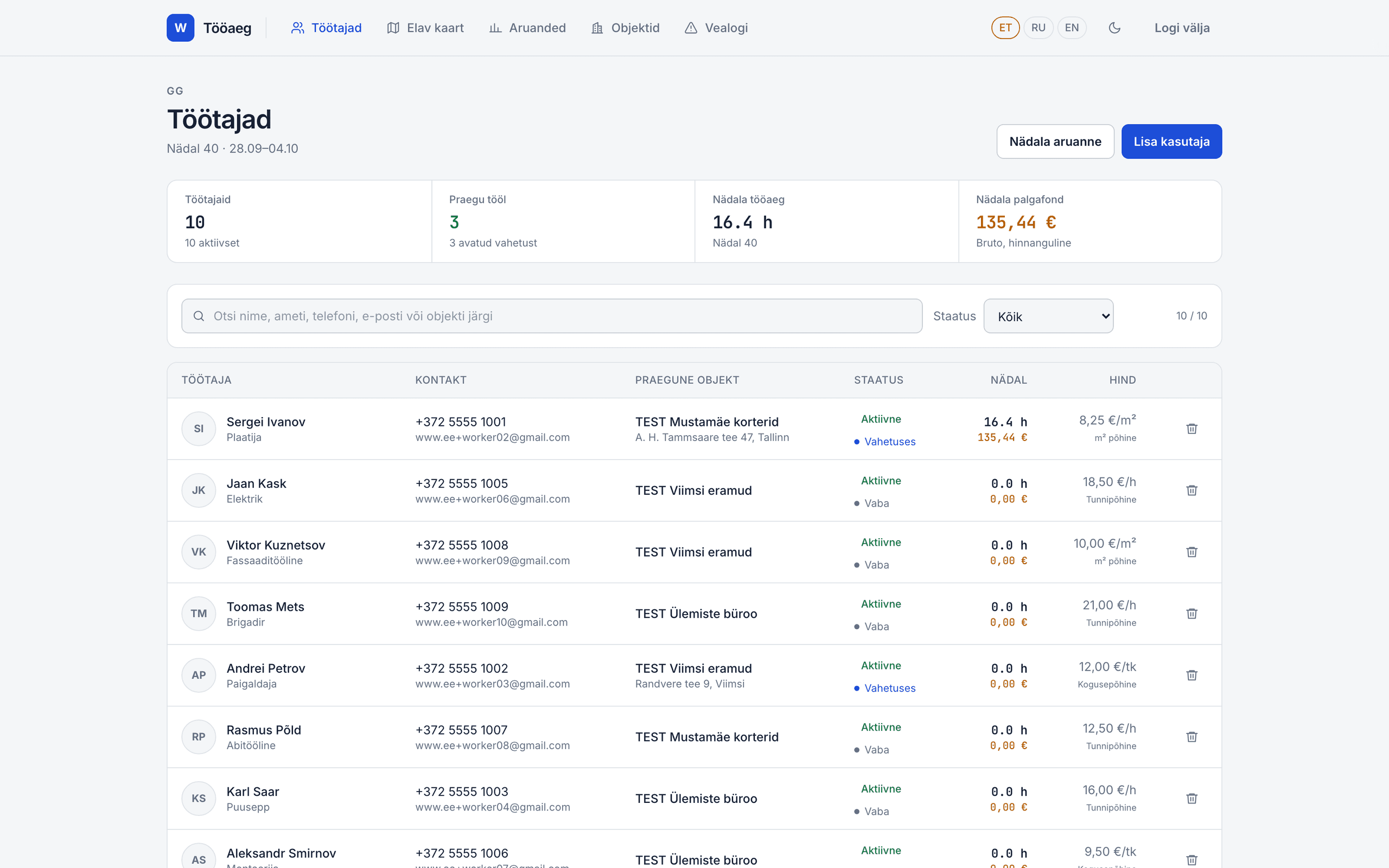
Yourworkataglance.Withoutthenoise.
Worktime gives employers one place to manage employees, worksites, working hours and costs.
Employees see where the work happens. Managers see who is working, for how long and at which site.
Fromsetuptoreport.
Four clear steps, from managing employees and worksites to reporting on working time.
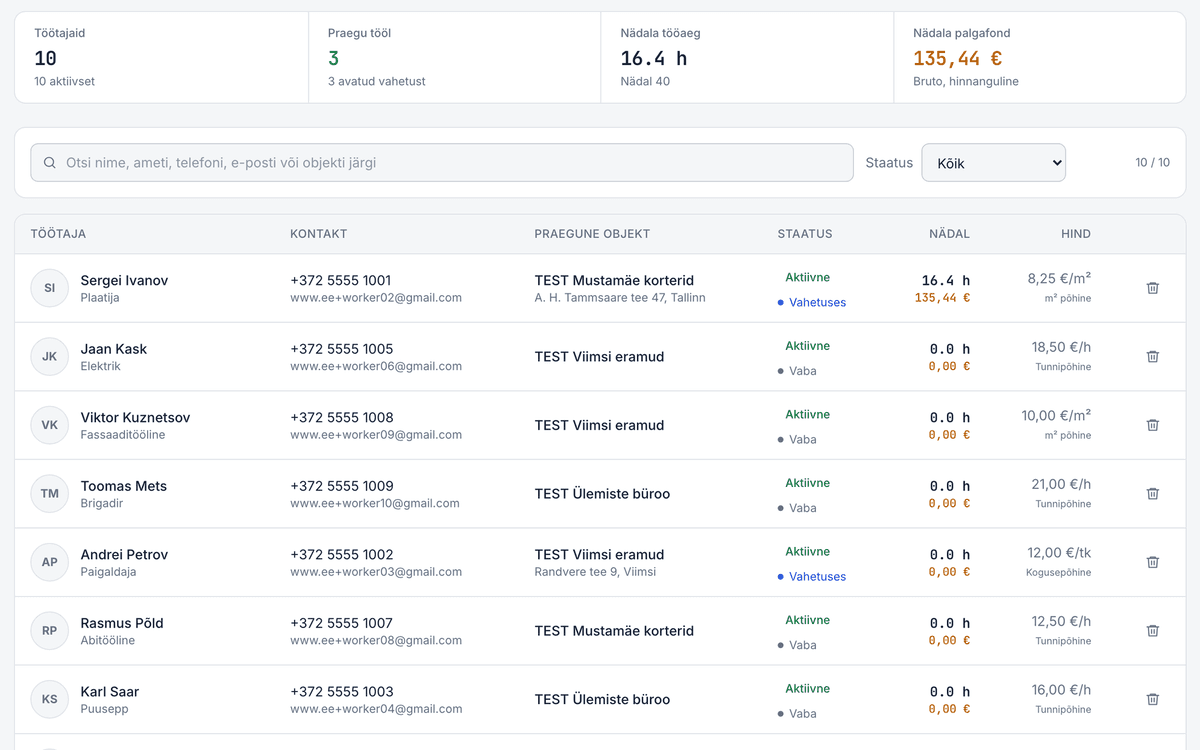
Add employees
Bring employee contacts, status and hourly rates together in one view.
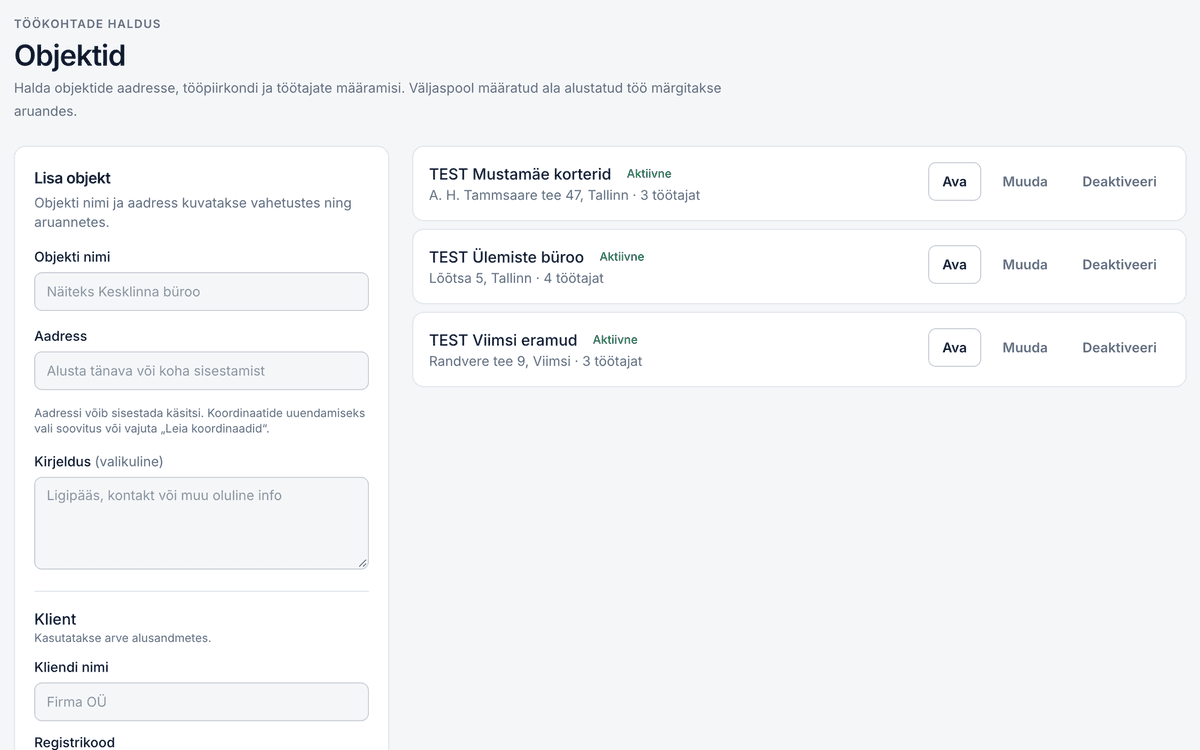
Set up worksites
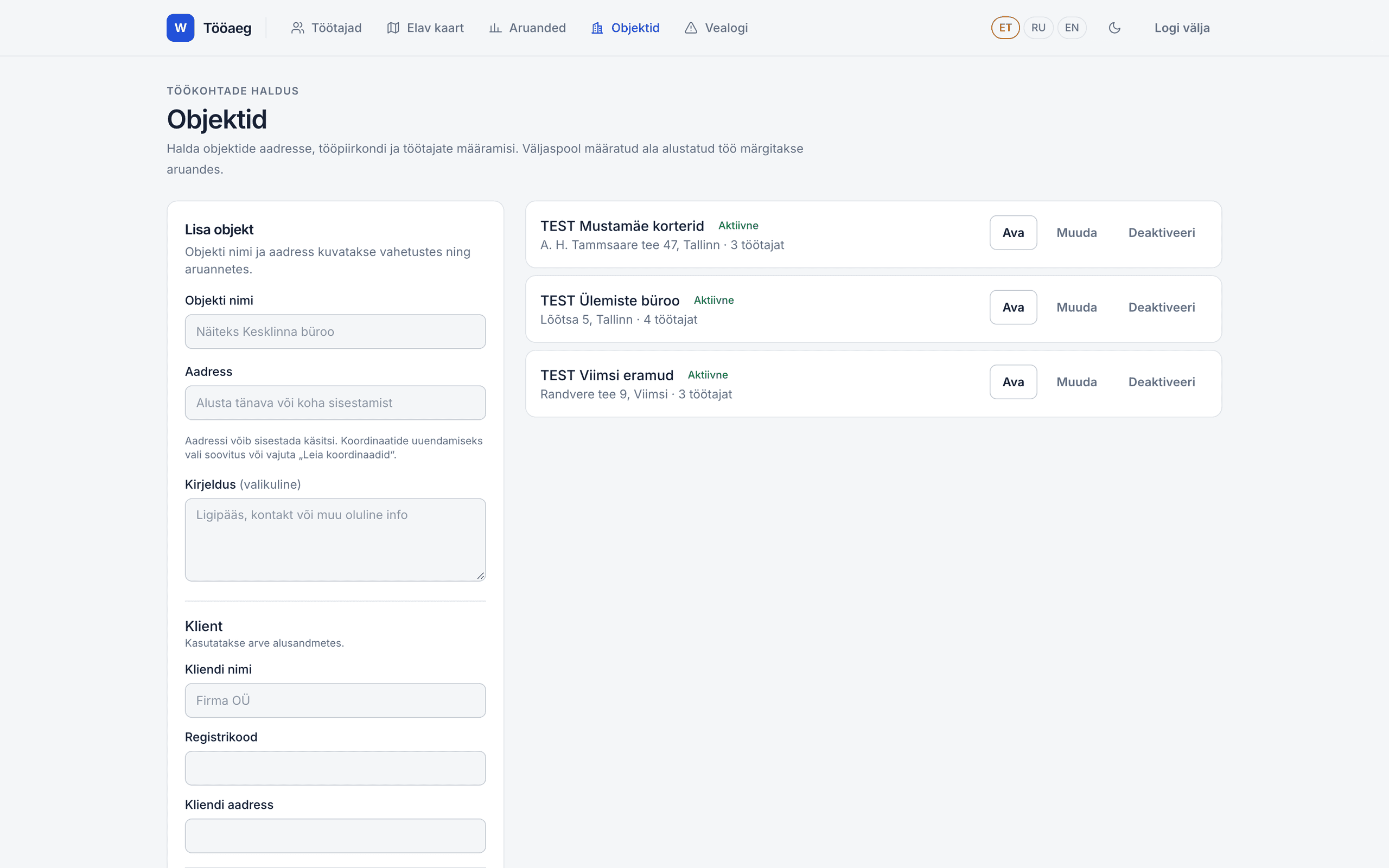
Add the workplaces, addresses and work areas where time is tracked.
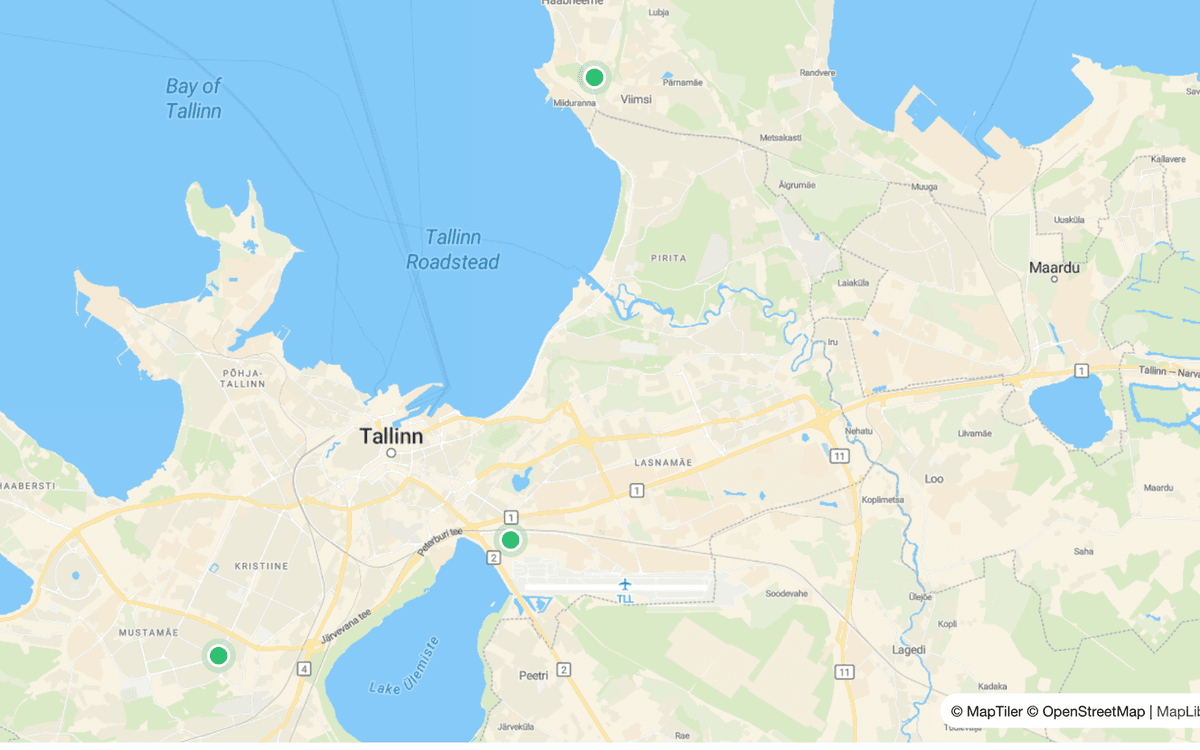
Follow live activity
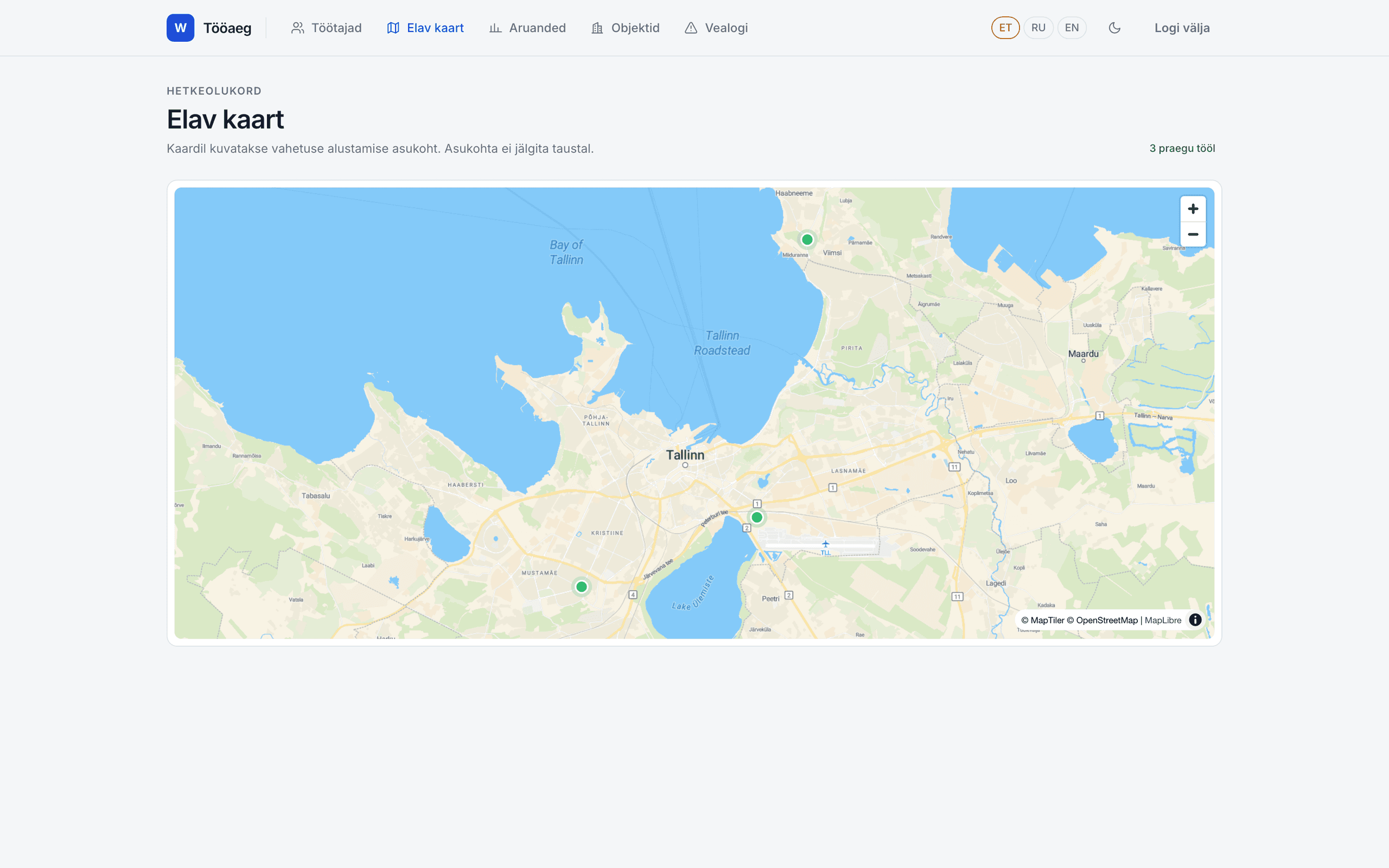
See on the map where an employee started their shift.
Build a report
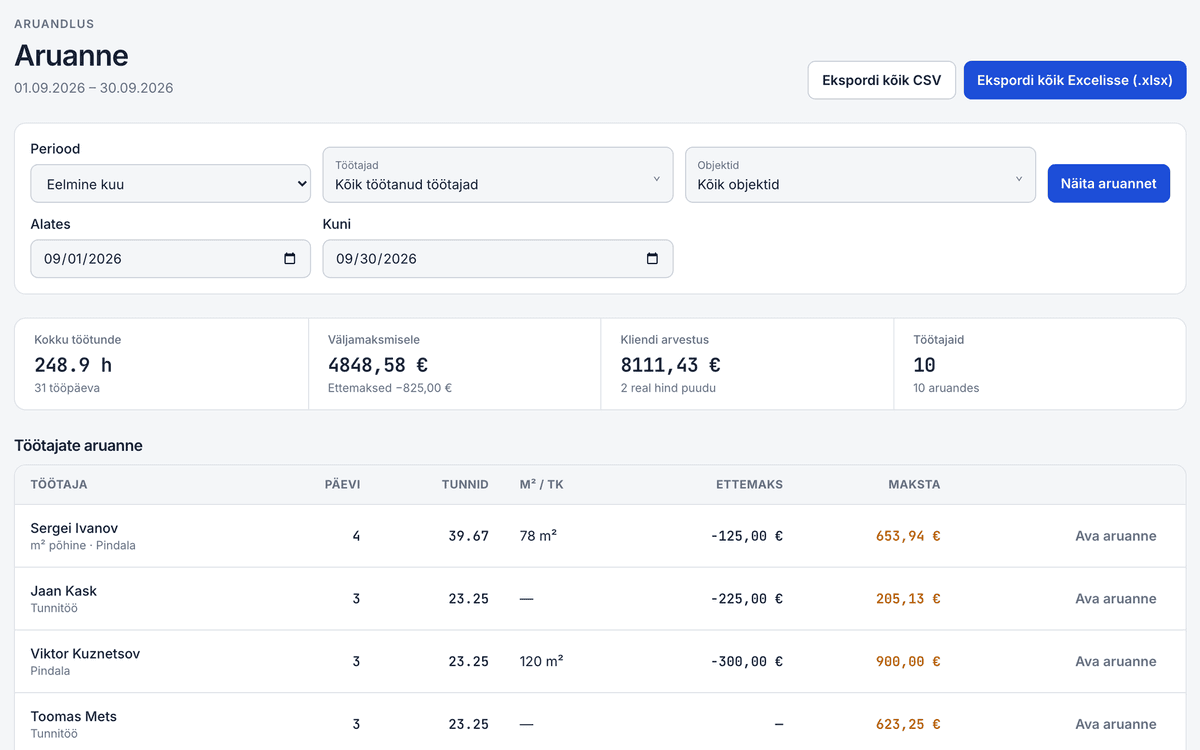
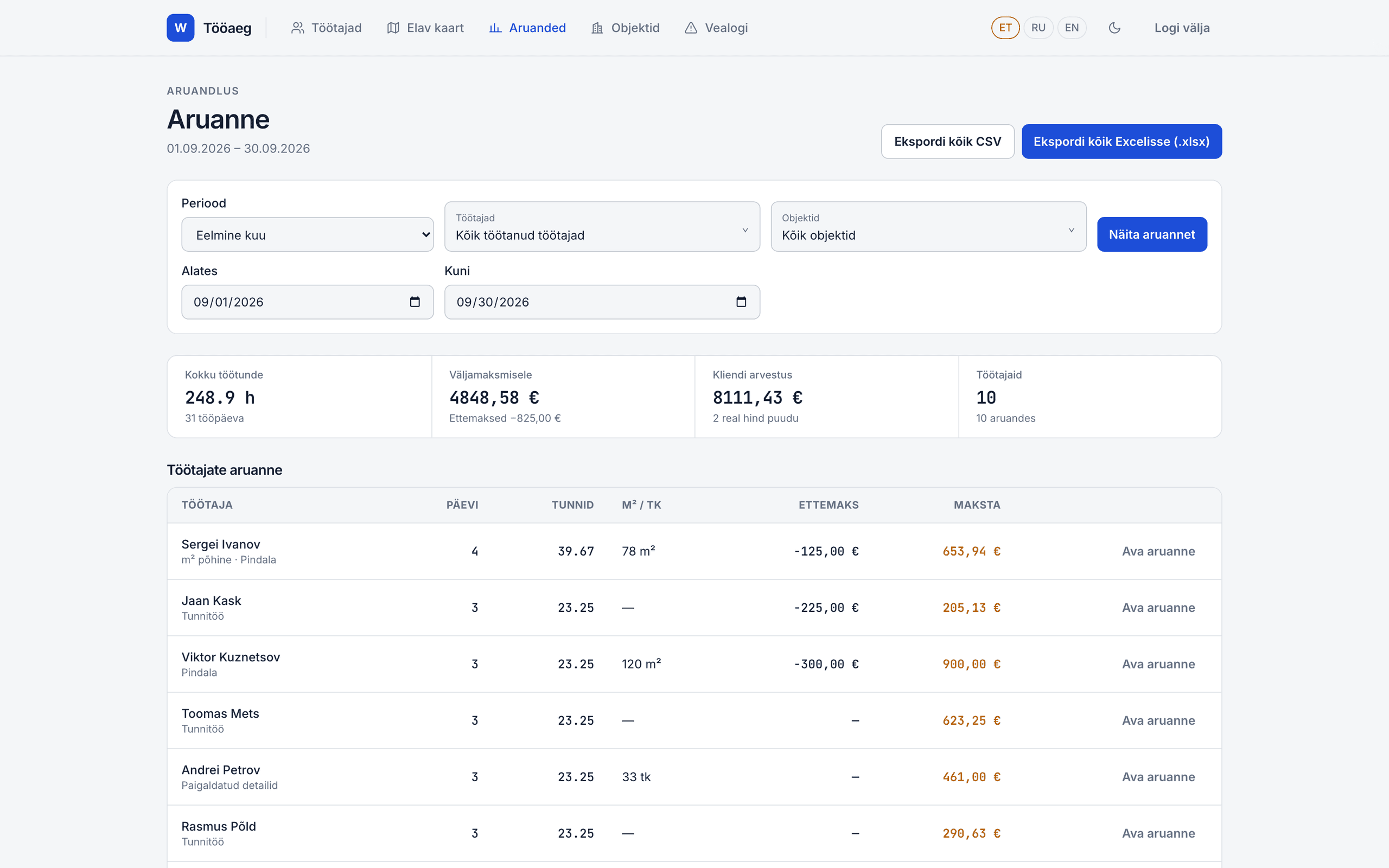
Filter by period, employee or worksite and export the results.
Thefullpictureupfront.Detailswithinreach.
Screens from the real app show time tracking the way it's used every day.
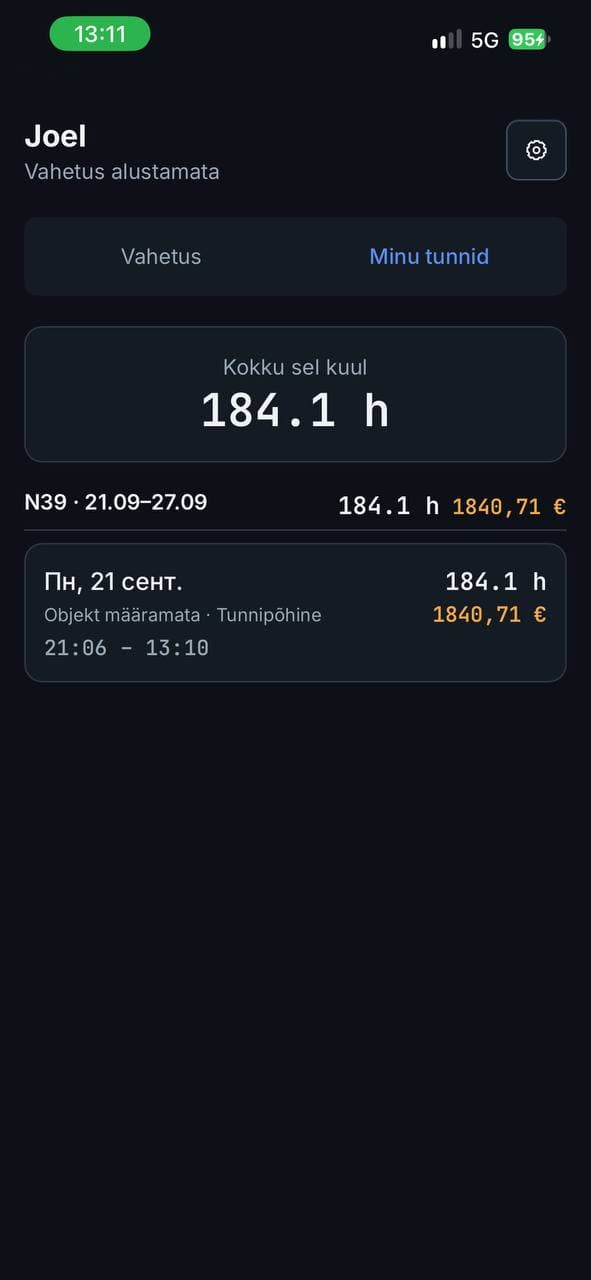
Your hours.
Always with you.
Employees see their monthly and weekly hours and what they've earned, right on their phone.
Builtforarealworkingday.
Employee management
Contacts, status, weekly hours and pay in one place.
Worksites and live map
Manage workplaces and see on the map where each shift started.
Reports and export
Filter working time and export reports as CSV or Excel files.
Worktime.Allinoneplace.
Let'stalkabouthowyourteamworks.
Want to know more about Worktime? Write to us directly or leave a message.